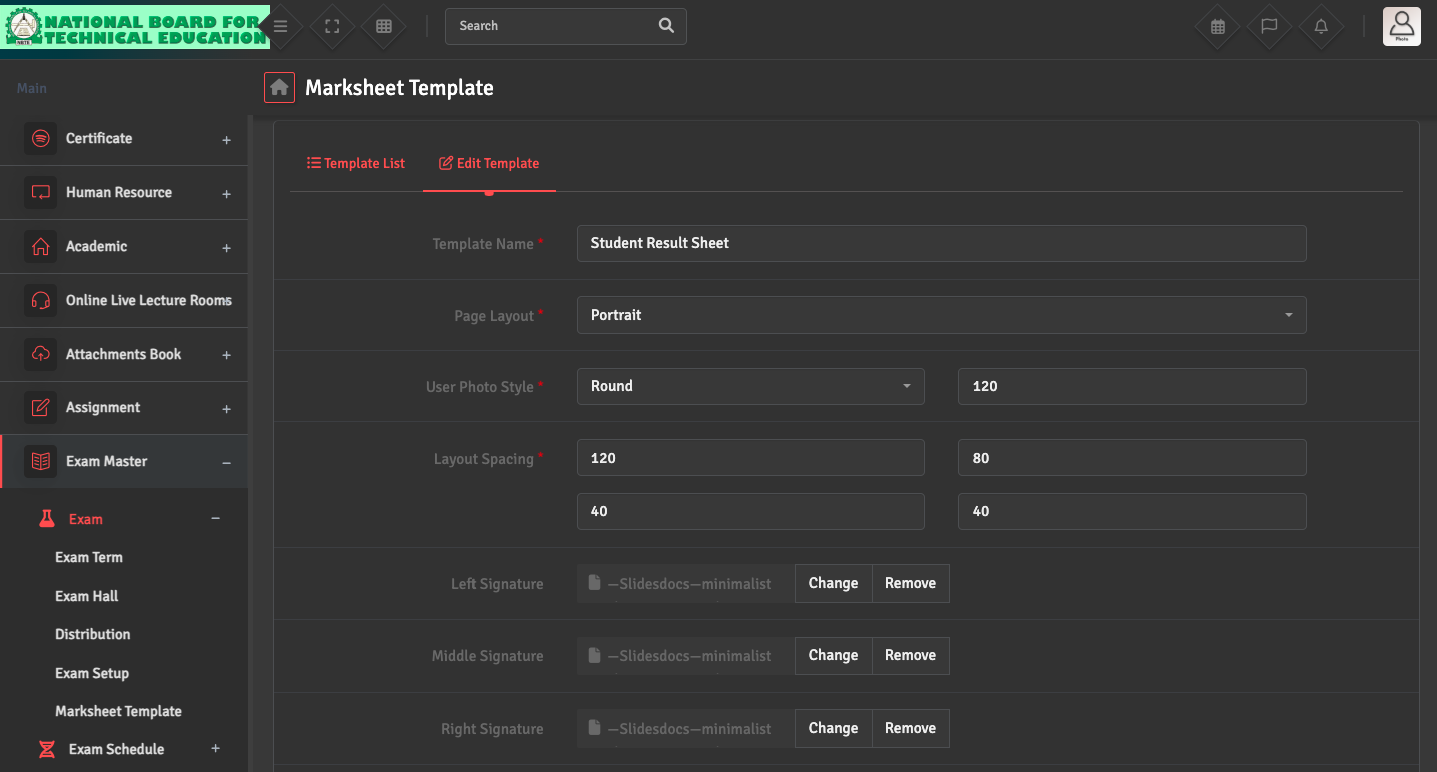
To modify the design of your report cards, please navigate to Exam Master → Exam → Marksheet Template. Here, you can toggle the visibility of specific elements such as the student’s photo, class rank, or teacher’s remarks.
If the layout appears misaligned, ensure your background image matches dimensions (Portrait or Landscape) as selected in the template settings.