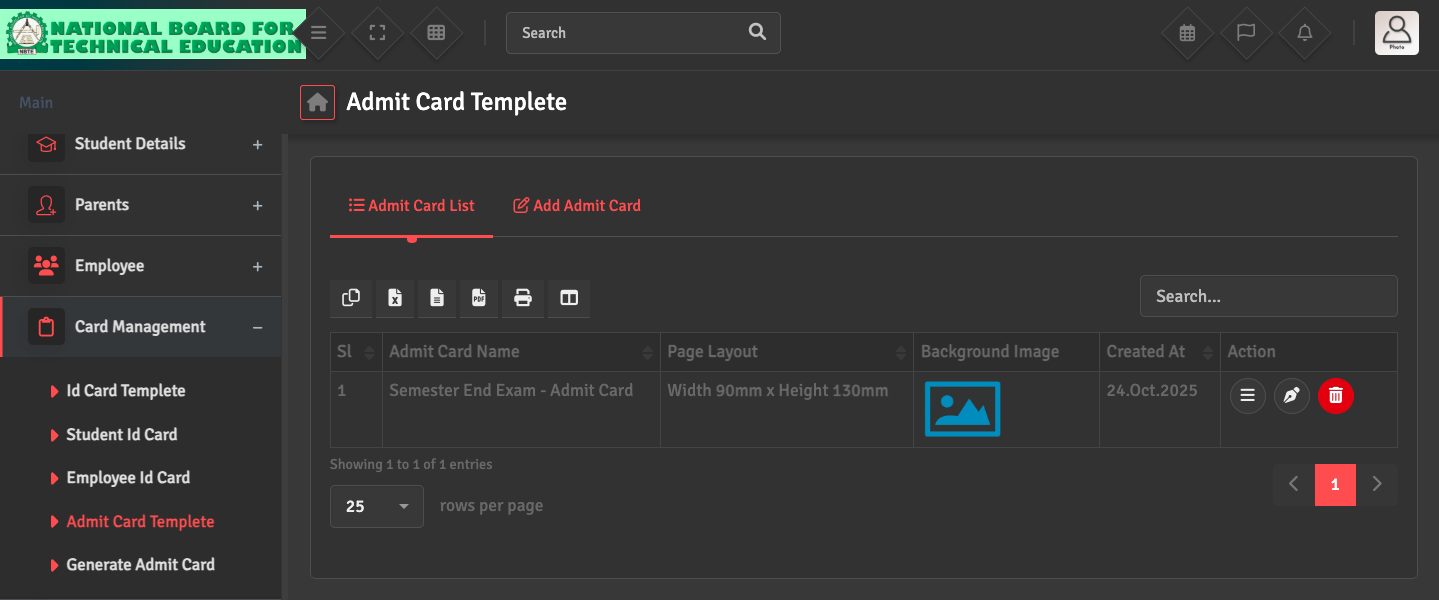
To update the look of your exam hall tickets, go to Card Management → Admit Card Template → Admit Card List. Click on the Pen icon under the Action section. You can customize the header, footer, and instructions for students.
Ensure that you have mapped the correct 'Data Fields' (such as Exam Date, Time, and Venue) so that they populate automatically when the card is generated.