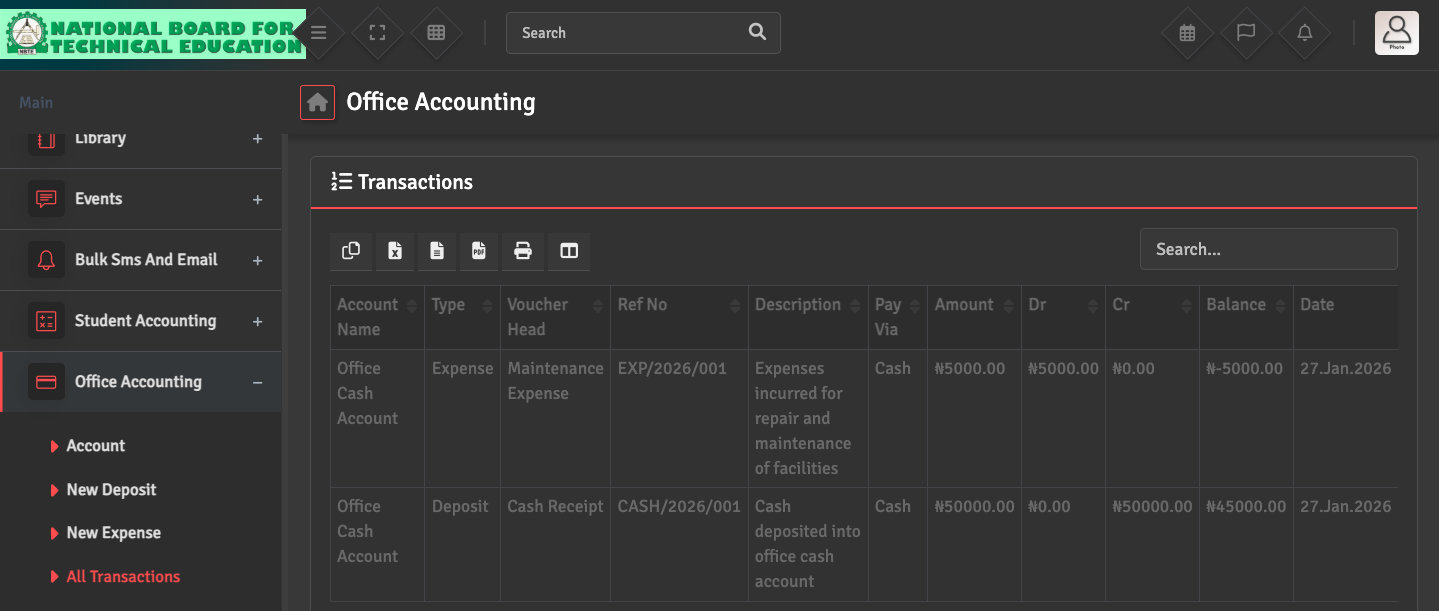
If your ledger balance does not match your physical cash or bank statement, navigate to Office Accounting → All Transactions. Search by Account and Date Range to identify missing or duplicate entries.
Common causes for mismatches include incorrect Opening Balances or fees that were collected but not correctly deposited into a specific bank account in the system.