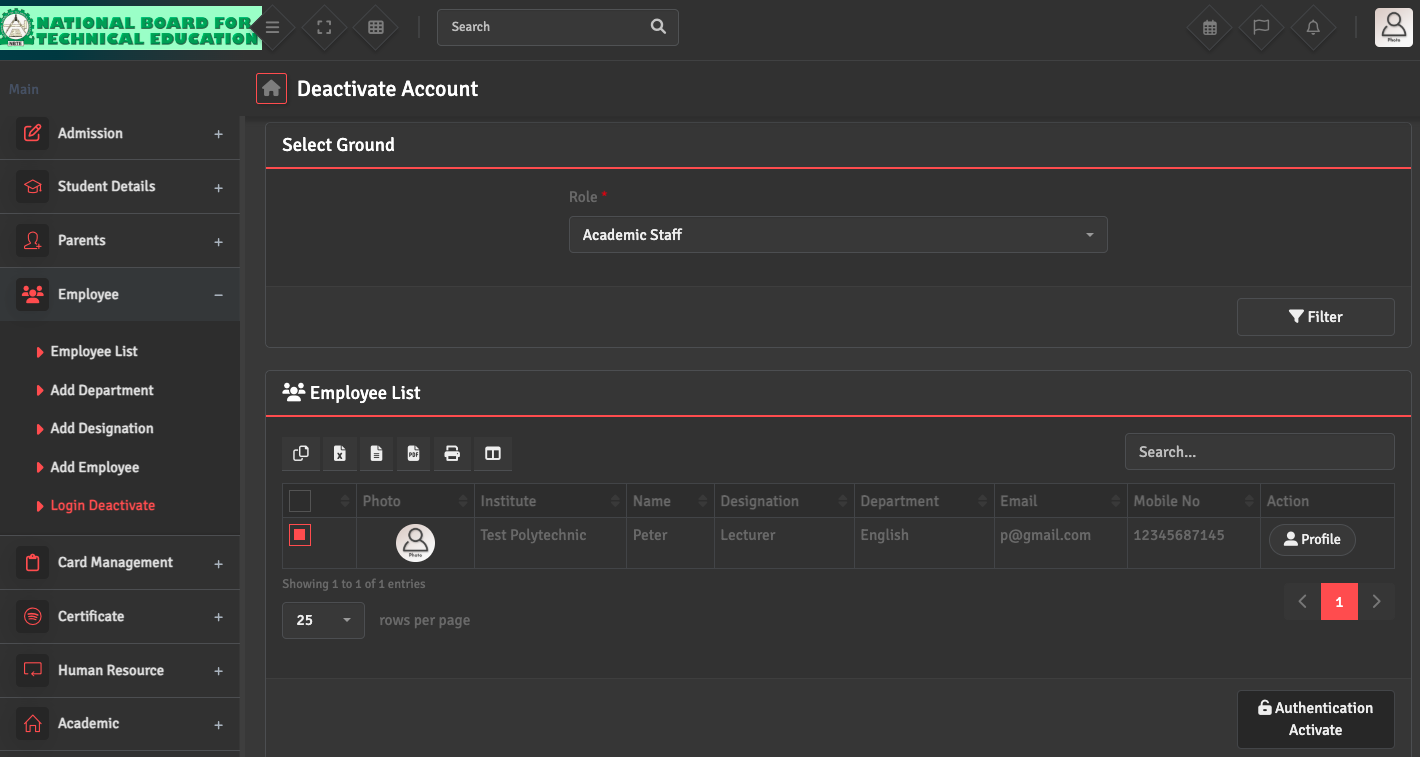
To restore access for a returning employee, navigate to Employee → Login Deactivate. Find the individual’s name and click the 'Authentication Activate' button at the bottom right. This will restore their login credentials and return their profile to the active staff list.