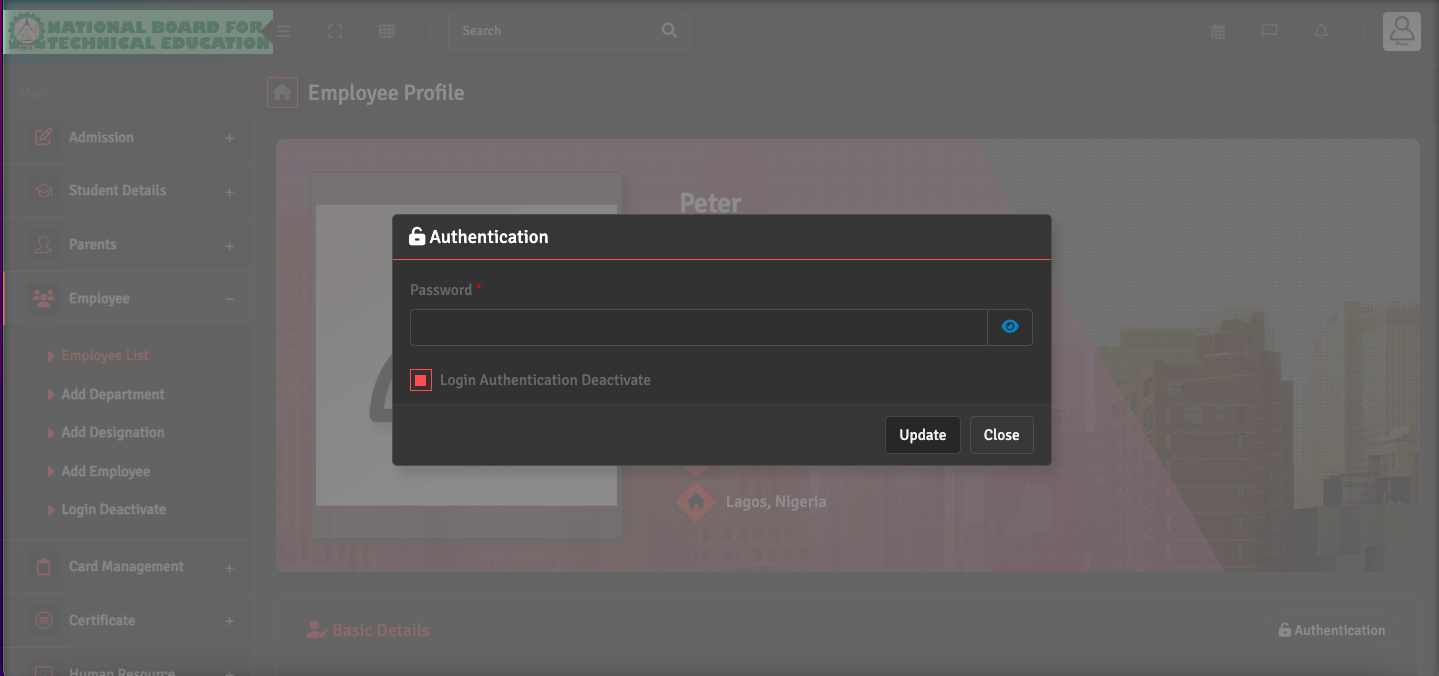
When an employee leaves the institute, go to Employee → Employee List, select the staff member, and click the 'Profile' button. On the right side of the Basic Details tab, click Authentication, then select Login Authentication Deactivate. Click Update.
This will revoke their system access and remove them from active attendance lists while still preserving their historical payroll and performance records for your archives.