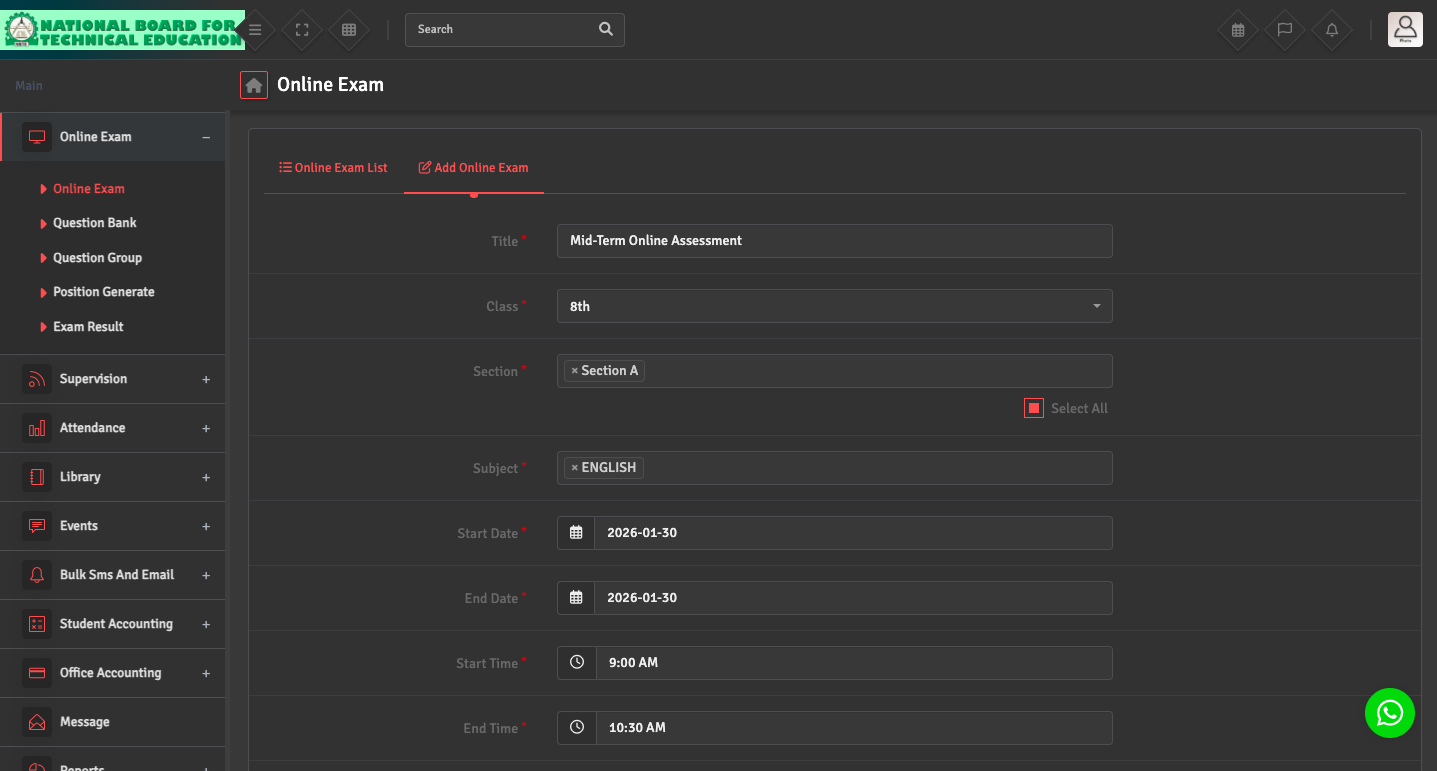
To create an online exam, navigate to Online Exam → Online Exam → Add Online Exam.
Select the class, section, and subject, then set the exam date, start time, and duration. Configure participation limits, marking and passing rules, exam and question type, and result settings.
Make sure the Result Publish option is enabled so students can view their results once the exam is completed.