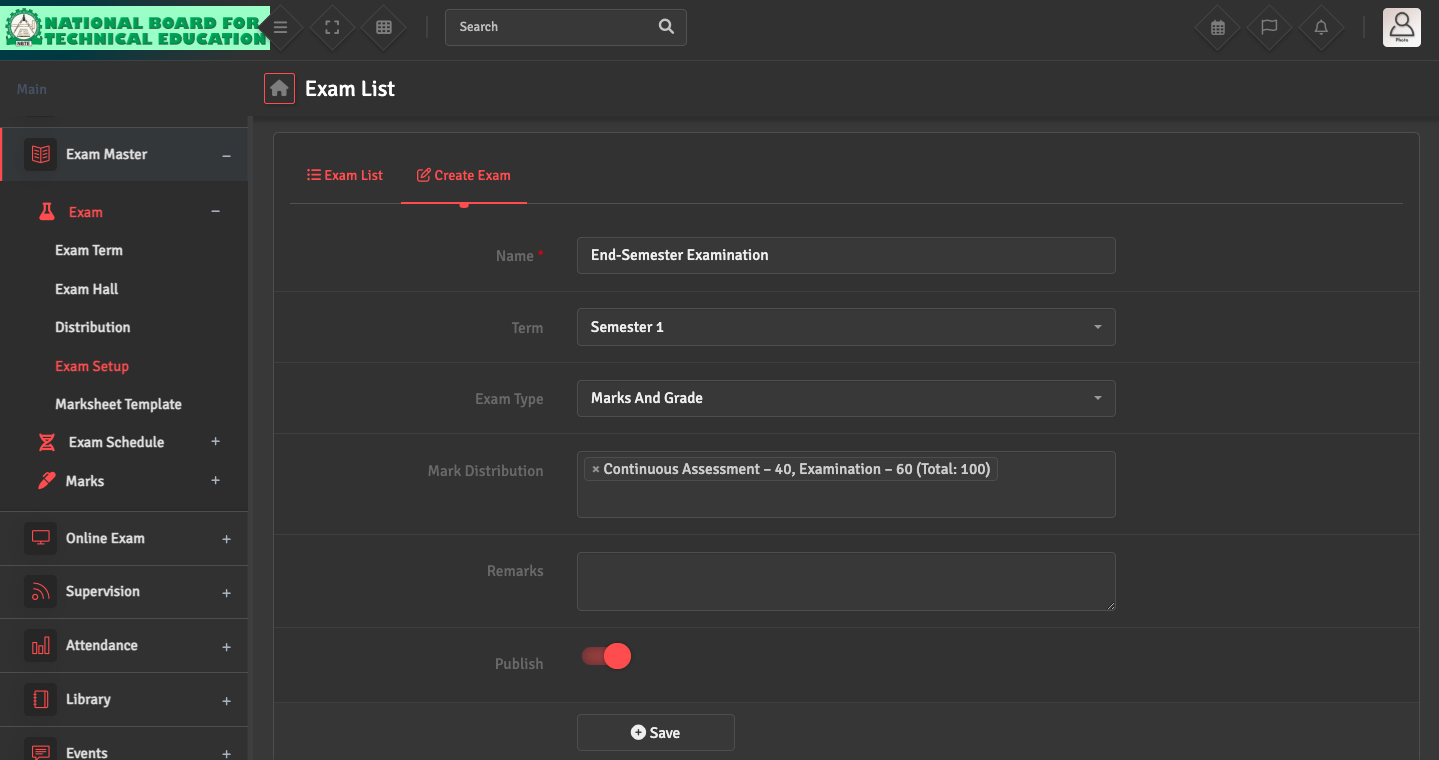
To set up a new assessment, go to Exam→ Exam Setup → Create Exam. Link the exam to an existing 'Exam Term' and also specify the 'Marking Distribution' during this setup phase. Ensure that the Publish option is switched ON.
To set up a new assessment, go to Exam→ Exam Setup → Create Exam. Link the exam to an existing 'Exam Term' and also specify the 'Marking Distribution' during this setup phase. Ensure that the Publish option is switched ON.