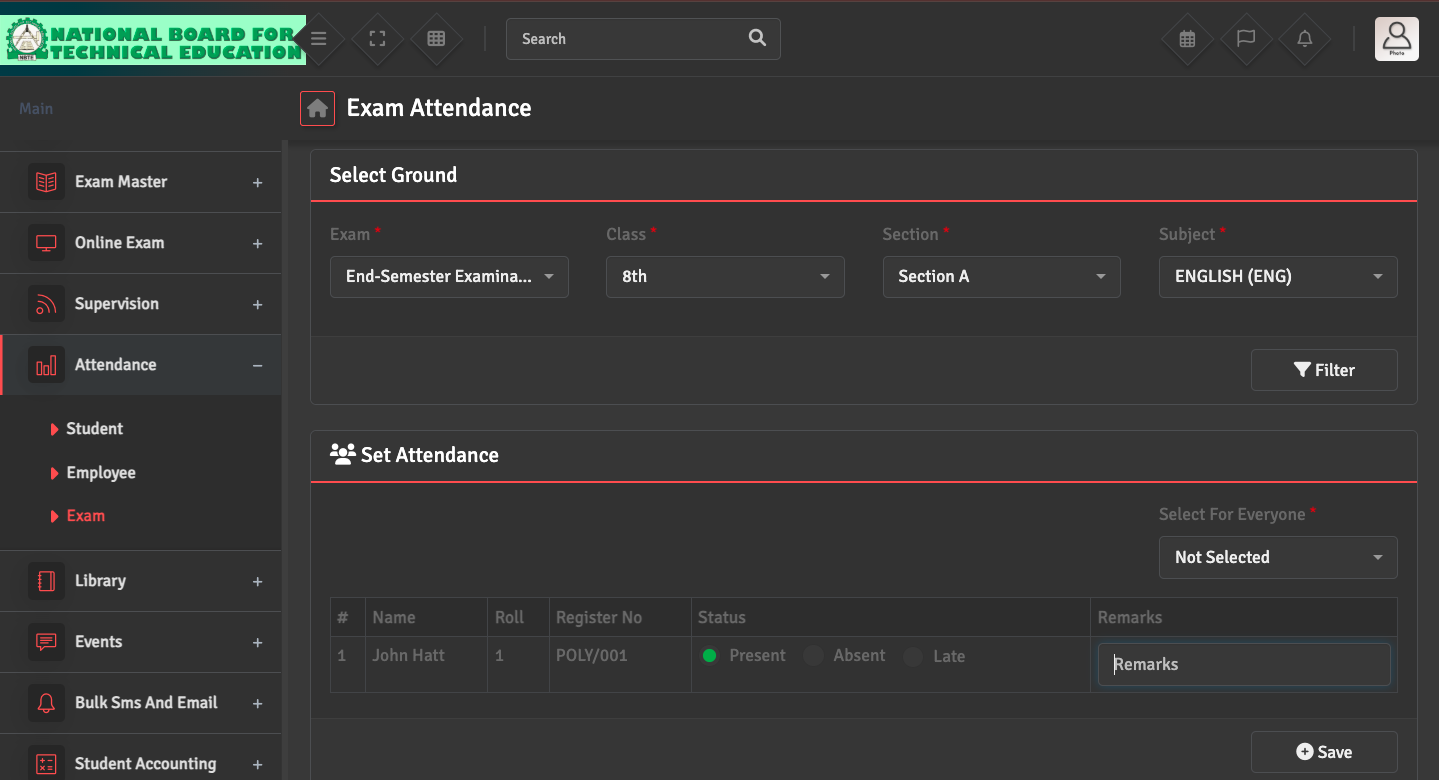
To record or update attendance for a specific exam, please navigate to Attendance → Exam Attendance. Select the Exam, Class, and Subject.
You can then mark students as 'Present', 'Absent', or 'Late' for that particular paper. Click Save.
To record or update attendance for a specific exam, please navigate to Attendance → Exam Attendance. Select the Exam, Class, and Subject.
You can then mark students as 'Present', 'Absent', or 'Late' for that particular paper. Click Save.