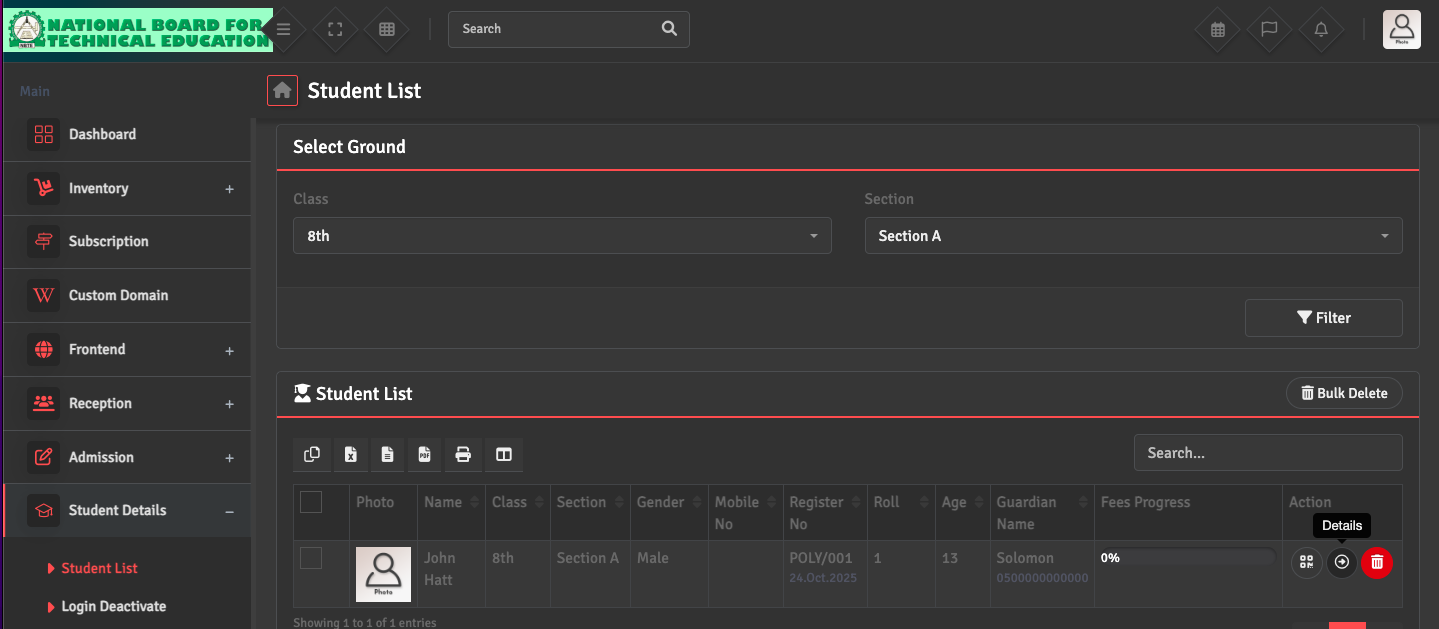
To update a student's personal information, go to Student Details → Student List and search for the student by name or ID. Click the Details icon under the Action Section to modify fields such as date of birth, blood group, or address.
Any changes made here will instantly reflect on the student's portal and all future generated reports.