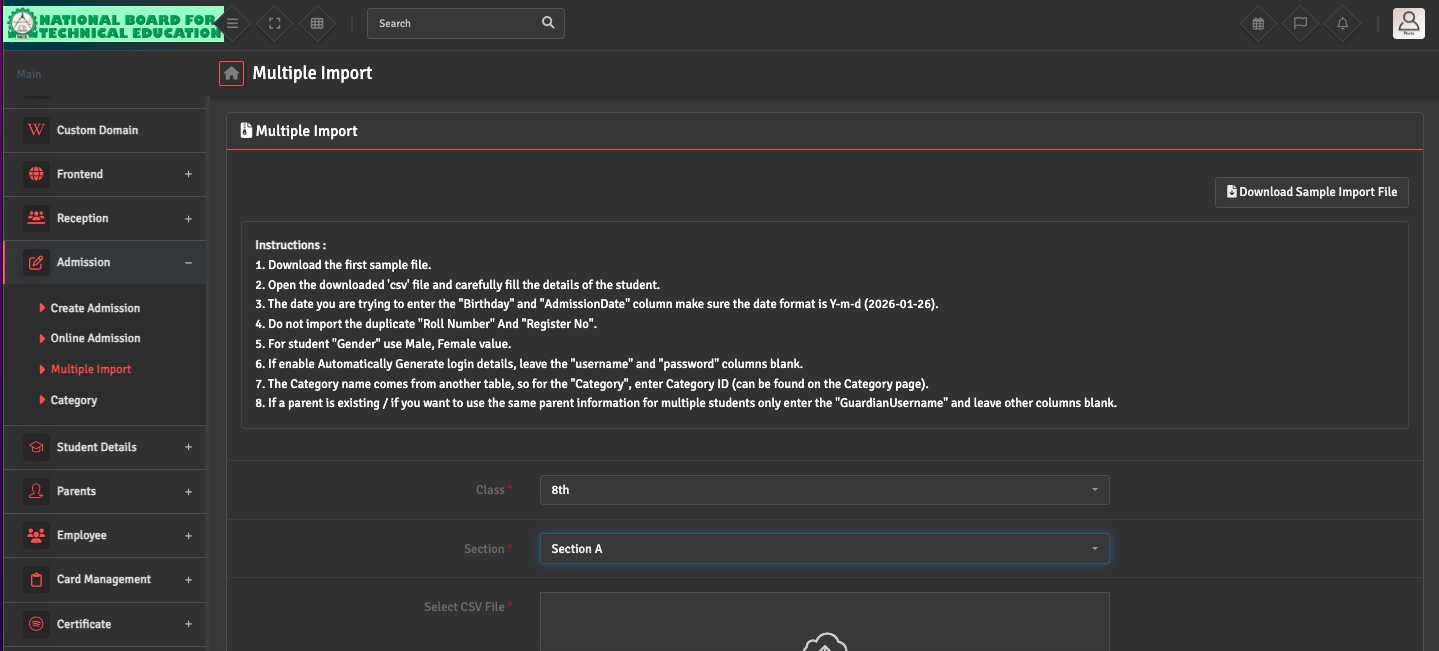
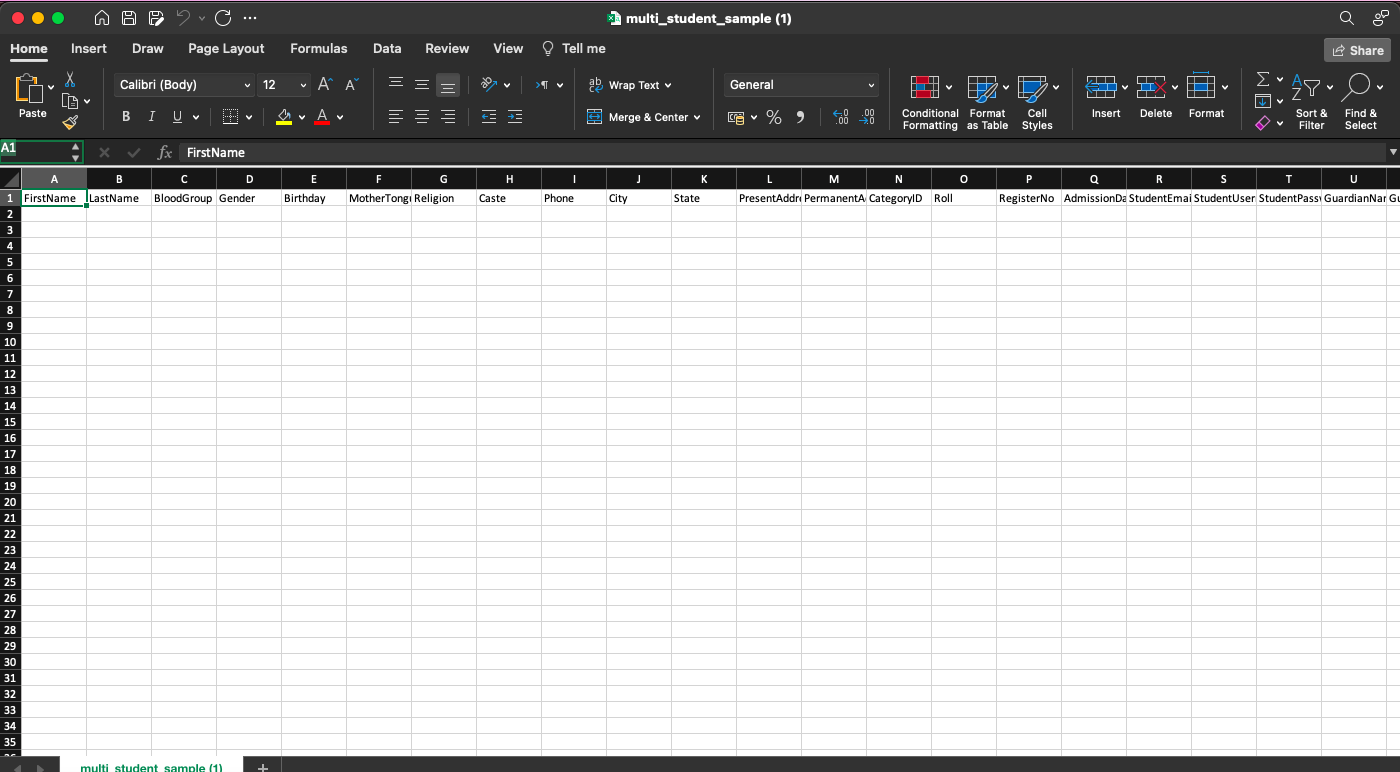
To ensure a successful bulk import, please navigate to Admission → Multiple Import and download the Sample CSV File at the top right corner. Ensure that all column headers match the sample exactly and that mandatory fields like 'Registration Number' and 'Class' are filled.
Avoid using special characters in the CSV file, as this may cause the upload to fail.