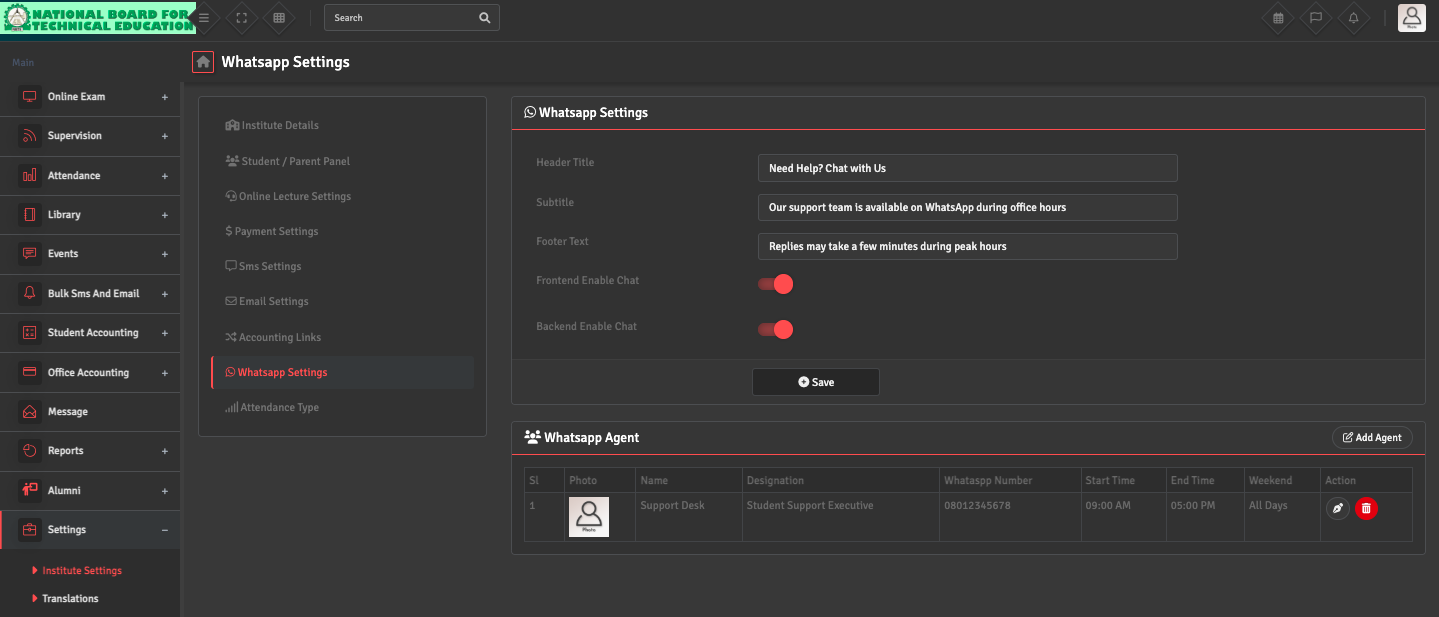
To resolve issues with WhatsApp messages, navigate to Settings → Institute Settings → WhatsApp Settings and ensure that both Frontend Enable Chat and Backend Enable Chat are enabled.
Verify that at least one WhatsApp agent is added with a valid WhatsApp number (numbers only), and that the current time falls within the agent’s configured working hours and active days. Save the settings and try again.