If SMS messages are not being delivered, please follow these steps:
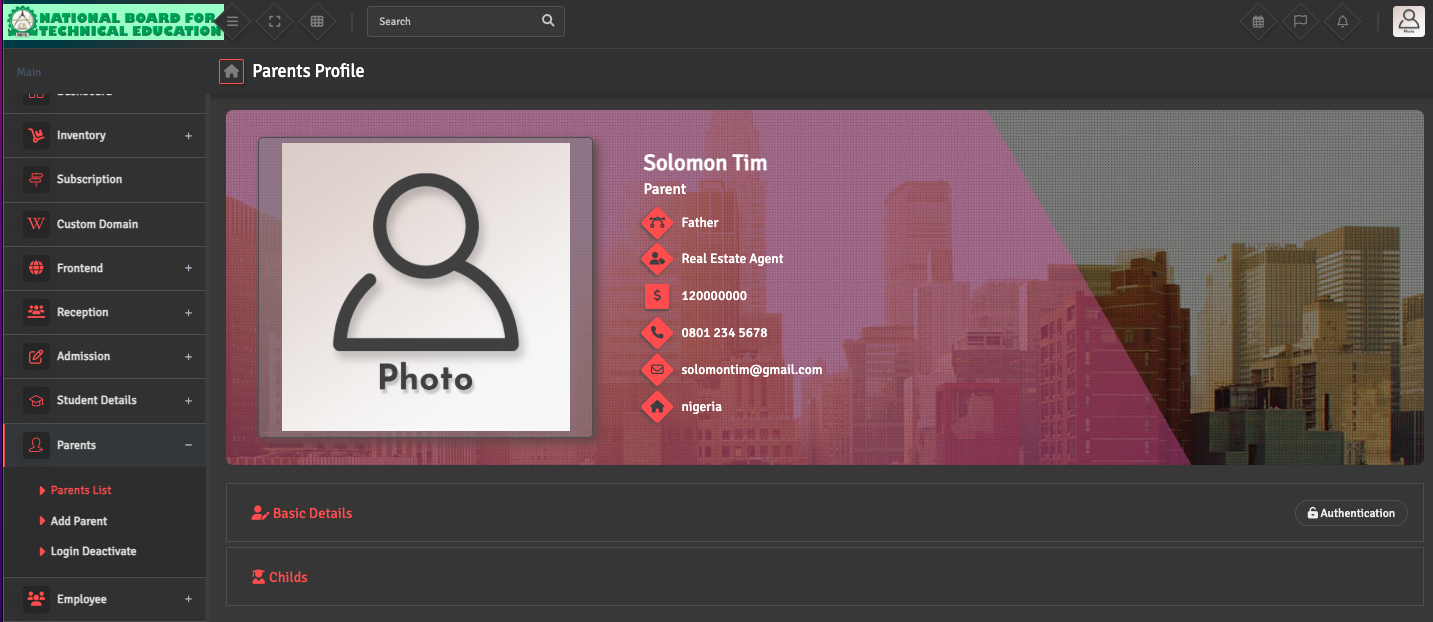
- Recipient Details: Ensure the guardian or recipient has a valid mobile number saved in their profile. The number must be entered in the correct format for the SMS gateway to recognize it.
erp
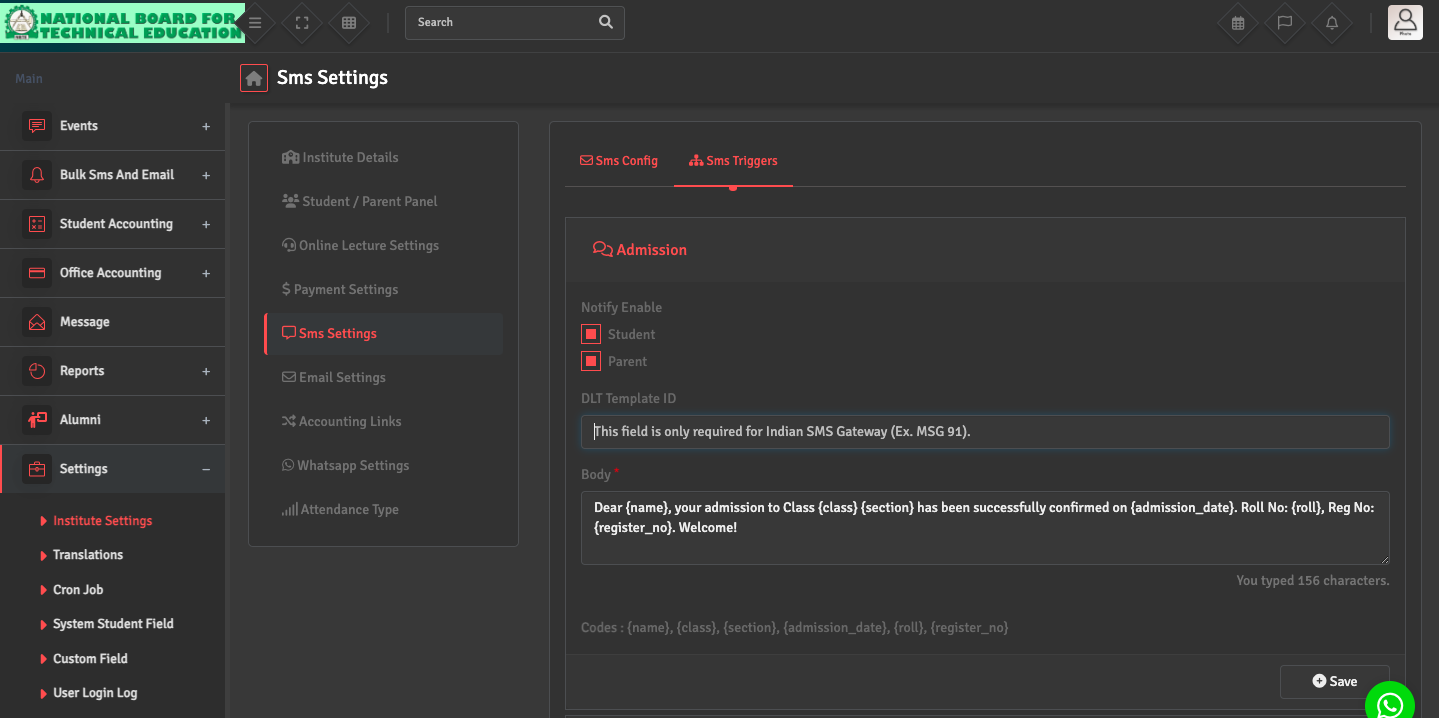
- SMS Triggers: Verify that the relevant SMS trigger is saved under SMS Settings →SMS Triggers. For due fee-related alerts, messages are sent based on the configured Due Date in the Fees Group module. If the due date has not passed or is incorrectly set, the SMS will not be triggered.
erp
erp
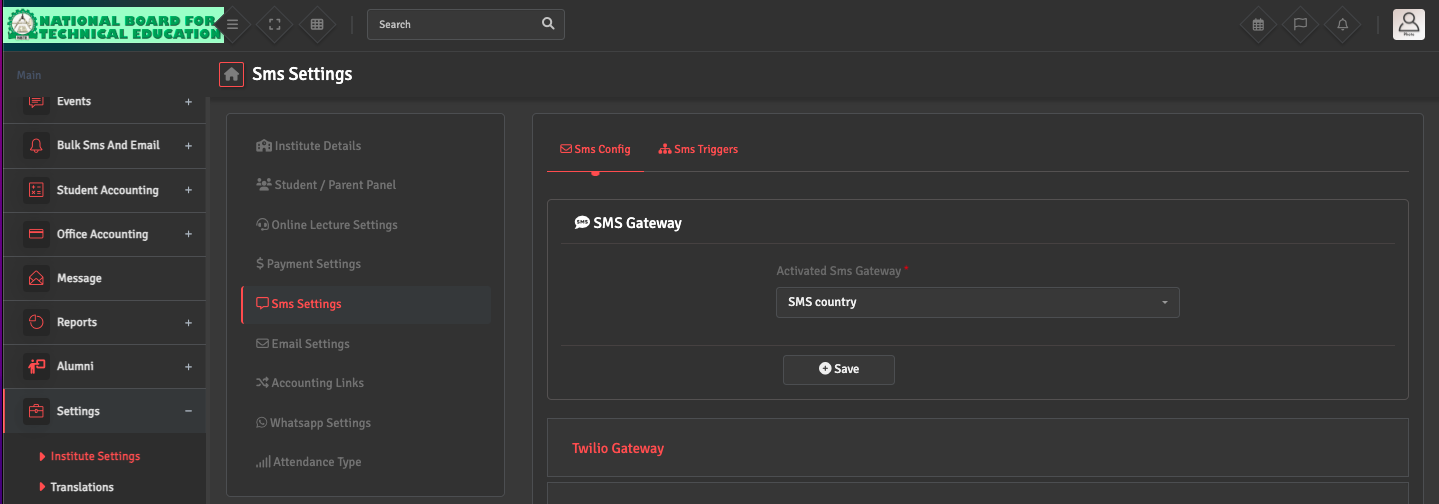
- SMS Gateway Configuration: Navigate to Settings →Institute Settings → SMS Settings. Under SMS Configuration ensure an Activated SMS Gateway is selected, properly configured, and has sufficient credit balance.
erp
-
SMS Status Report: If all settings are correct, go to Bulk SMS/Email → SMS Report to review the campaign status and delivery report.