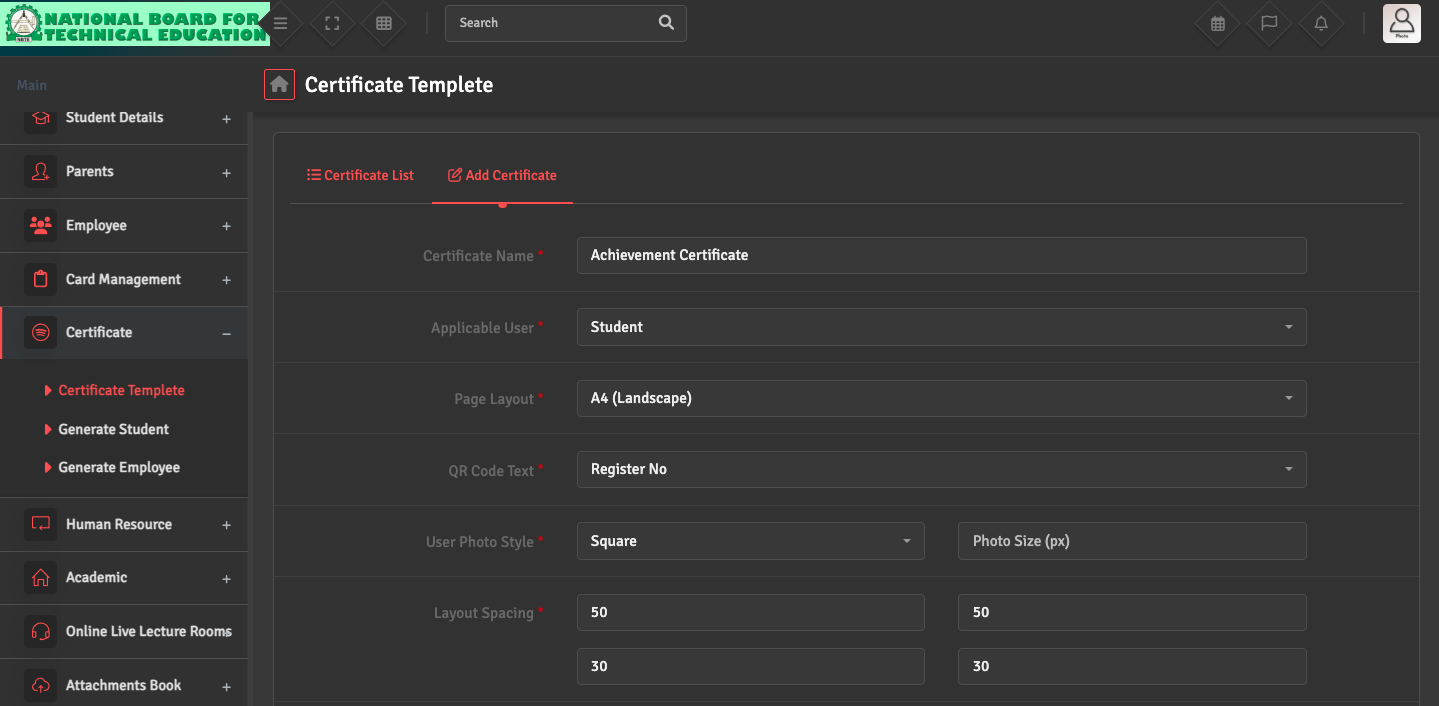
To design a new certificate (e.g., Transfer, Achievement, or Character Certificate), please navigate to Certificate → Certificate Template → Add Certificate. Make sure to select the correct applicable user: Student or Employee.
Here, you can upload a background image, set the page layout, and drag-and-drop dynamic variables like [student_name] or [admission_no]. Using these variables ensures the system automatically pulls the correct data for each student when printing.