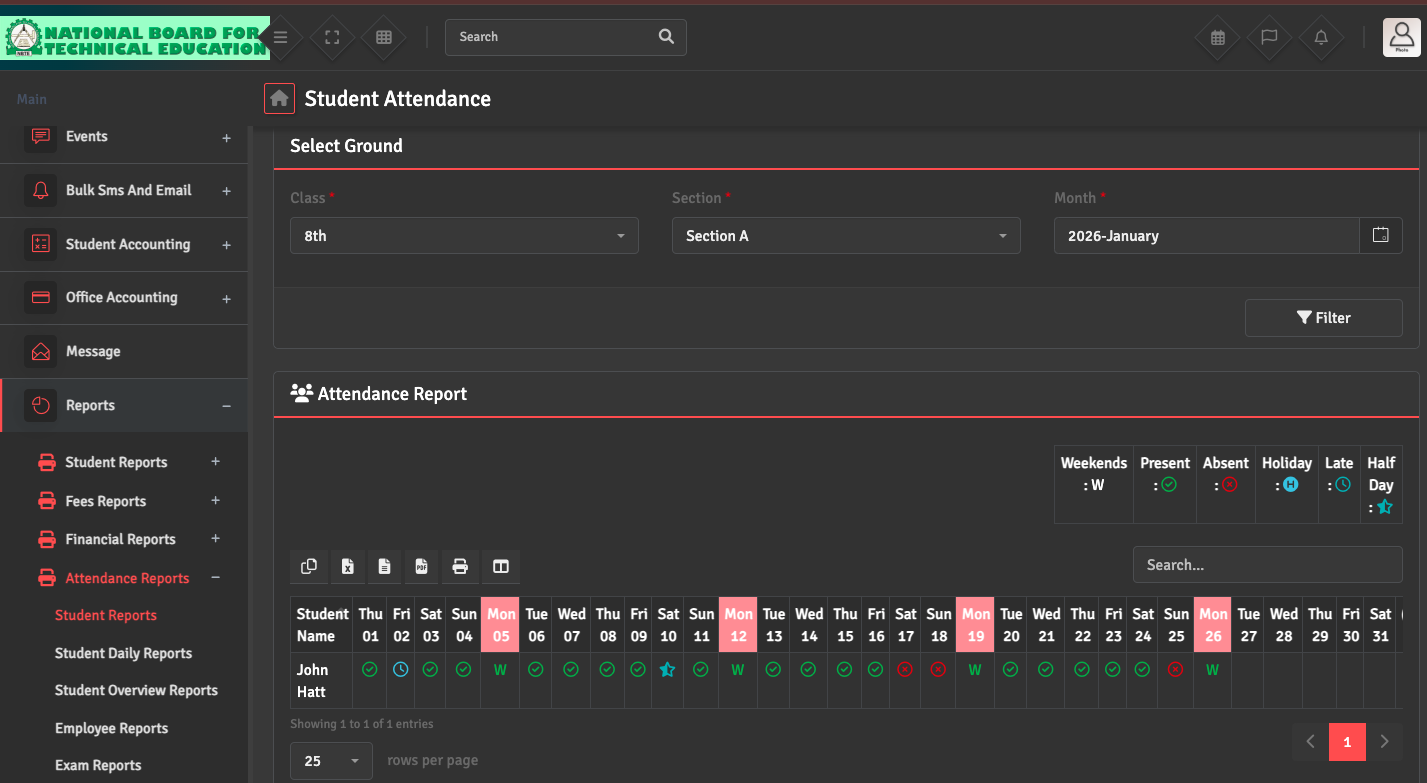
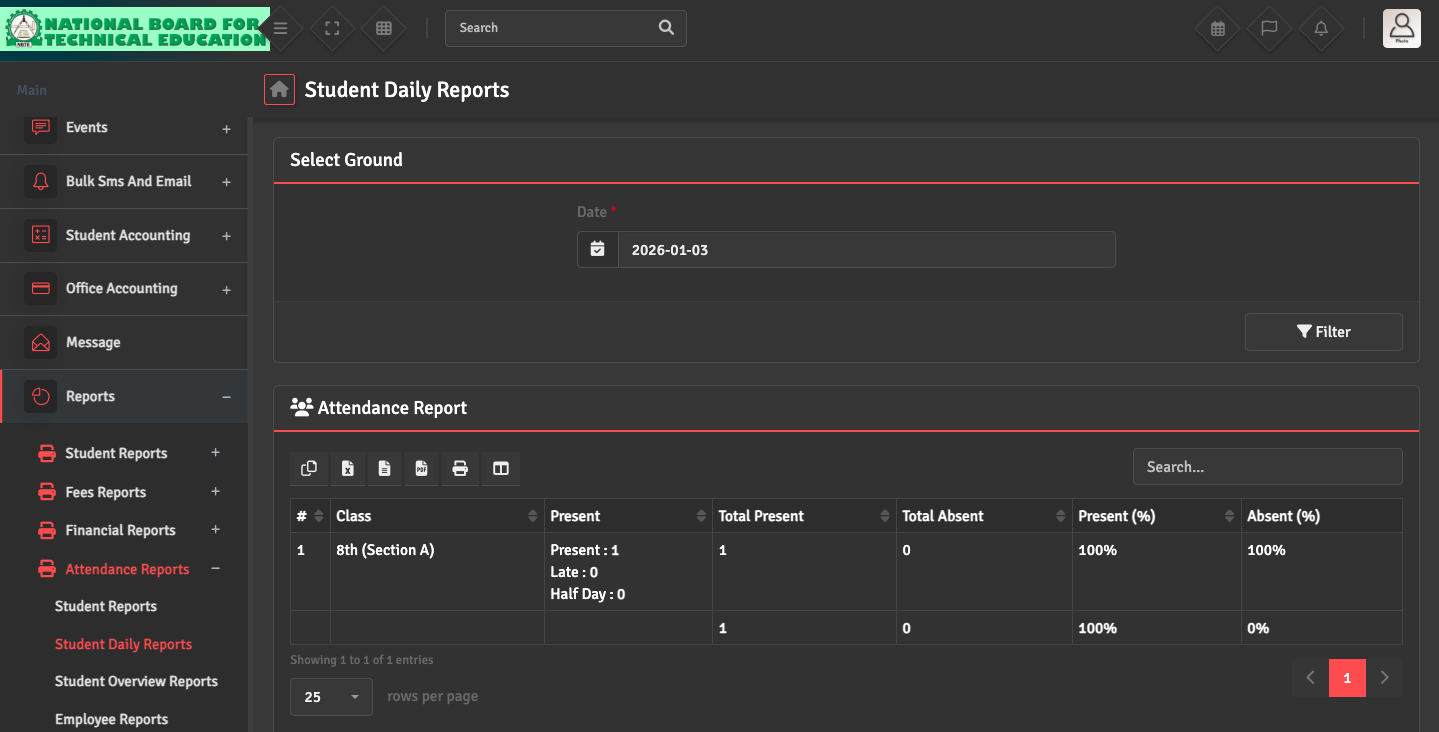
To generate accurate reports, navigate to Reports → Attendance Report → Student Daily Reports and Student Report. You can filter by Class, Section, or Month.
If the report appears empty, double-check that attendance was marked for all school days in that period.