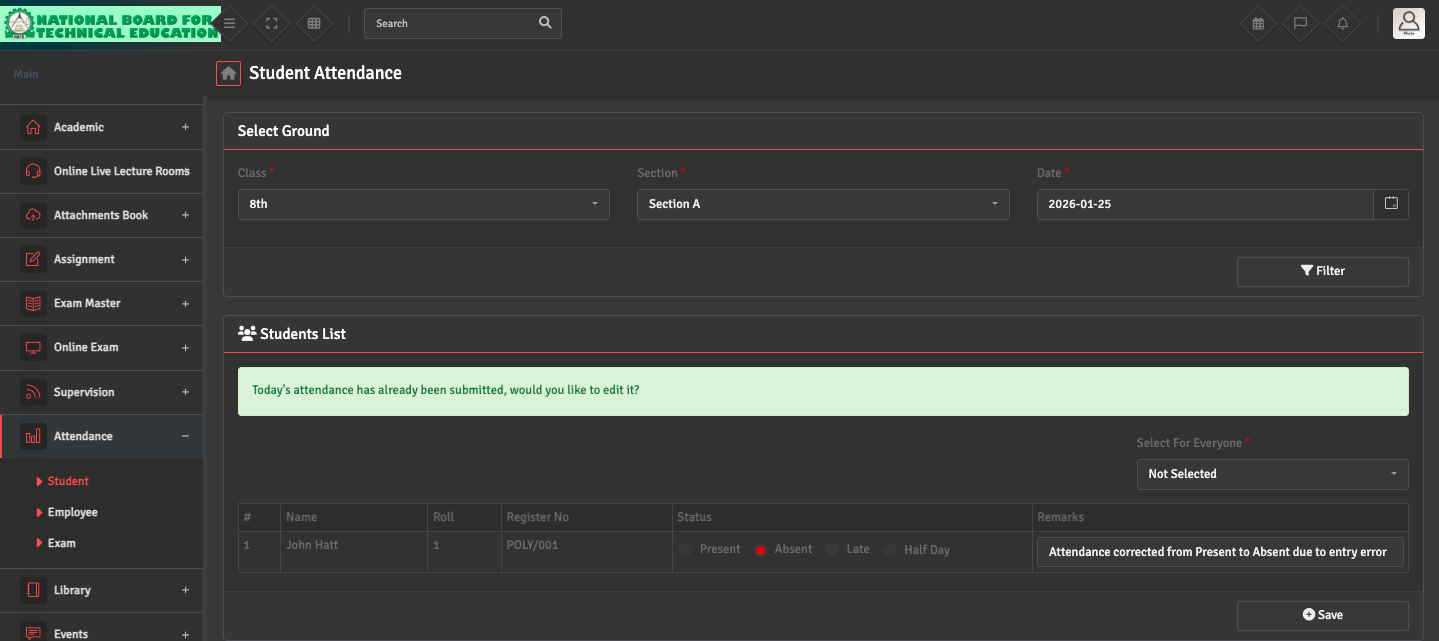
To correct a mistake in a previous record, navigate to Attendance → Student Attendance. Select the specific Date, Class, and Section of the error. The system will load the existing record; simply change the status (e.g., from 'Present' to 'Absent'). Add a Remark, if needed and click Save.
The updated data will reflect immediately on the student portal and reports.